Estate and letting agents
Buyers walk the house before they book a viewing. The ones who do turn up have already seen the box room and still want it.
360° virtual tours
Made for estate agents, schools, wedding venues, holiday lets, museums and showrooms
Showround turns 360° photos and video into a tour people can walk through from wherever they are. You build it in your browser, add signposts and notes, then put it on your website.
No account. Nothing to install. Your photos stay on your computer.
Loading the tour…
This is a real tour, running in the same player your visitors would use. Drag to look around and tap a pin to see what it does. The door to the bedroom is over your left shoulder.
Anyone who gets asked "can I come and have a look?" more often than they have time for.
Buyers walk the house before they book a viewing. The ones who do turn up have already seen the box room and still want it.
Open evening happens once a year. A tour is there every day for the parents who couldn't come, and for the child who wants to see their classroom before September.
Couples plan at eleven at night. Let them stand in the middle of the room and work out where the top table goes.
Show every bedroom and the view from the window. It answers the "what's the second bedroom like?" email before anyone sends it.
Pin a note beside each exhibit. People can visit from the other side of the country, or come back for a second look after the school trip.
Car showrooms, gyms, salons, offices to let. If people need to see the space before they commit, show them.
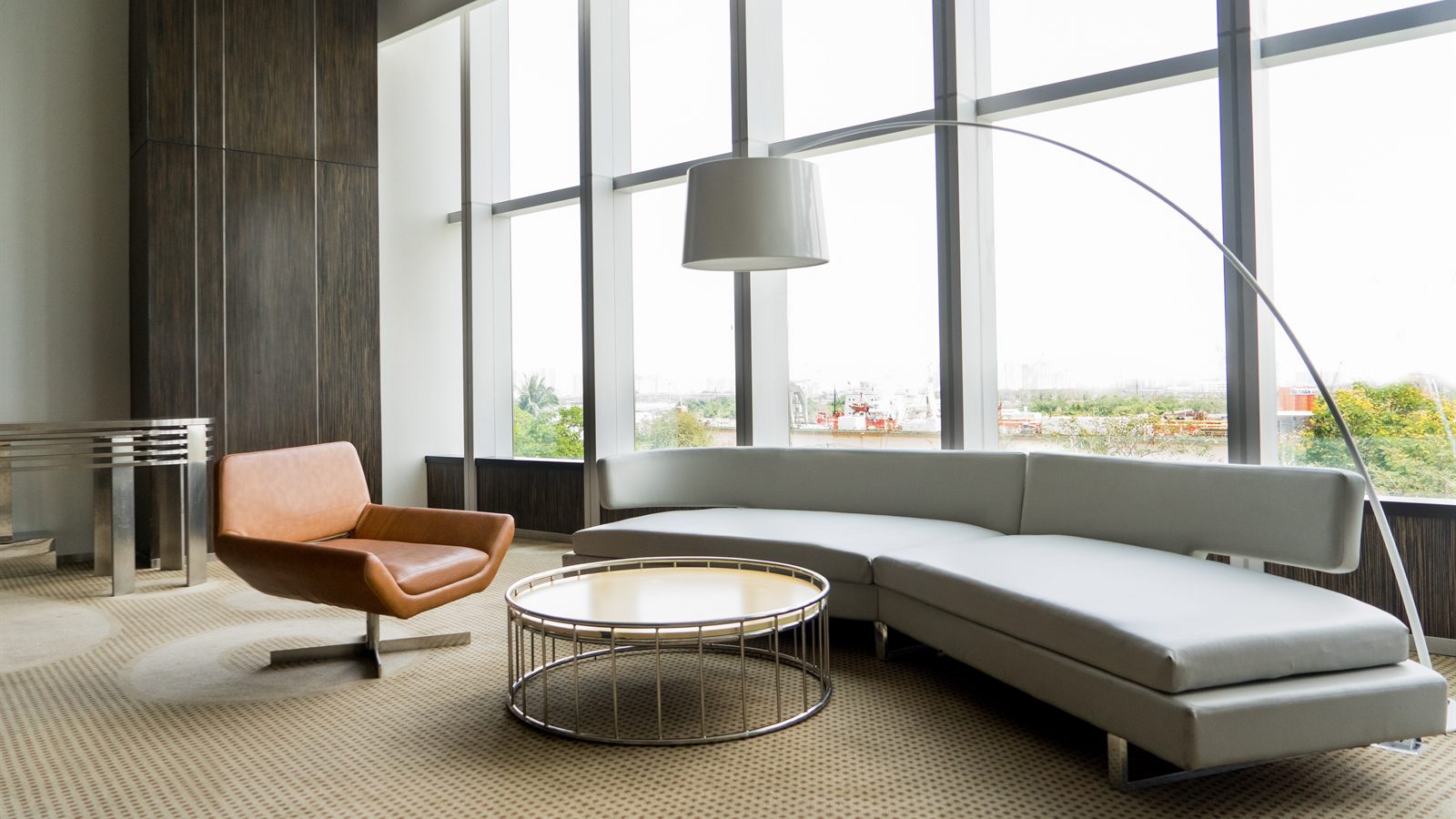
An info point opens a short note on the spot: how old the staircase is, how many the hall seats, what's behind the locked door.
Drop a hotspot on a doorway and visitors click through to the next room, the way they'd walk it.
Mix 360° stills and footage. A quick photo of the utility room can sit next to a walkthrough of the garden.
Forty icons, from doors and stairs to books, coffee and the garden. Set the pin colours to match your brand, with a hex code if you have one.
Copy the embed code into a page, or host the exported folder yourself. A tour is a plain web page, so visitors don't install anything.
The editor runs in your browser. Photos and video stay on your computer until you choose to publish, and the tour you export is yours to host wherever you like.
Take a 360° photo or video in each room. Any camera that saves equirectangular files will do. Insta360, Ricoh Theta and GoPro Max cameras all can.
Upload them to the editor and each one becomes a scene. Add hotspots to join the scenes up, and info points for anything worth explaining.
Export the tour and upload the folder to your web host, or paste the embed code into a page you already have.
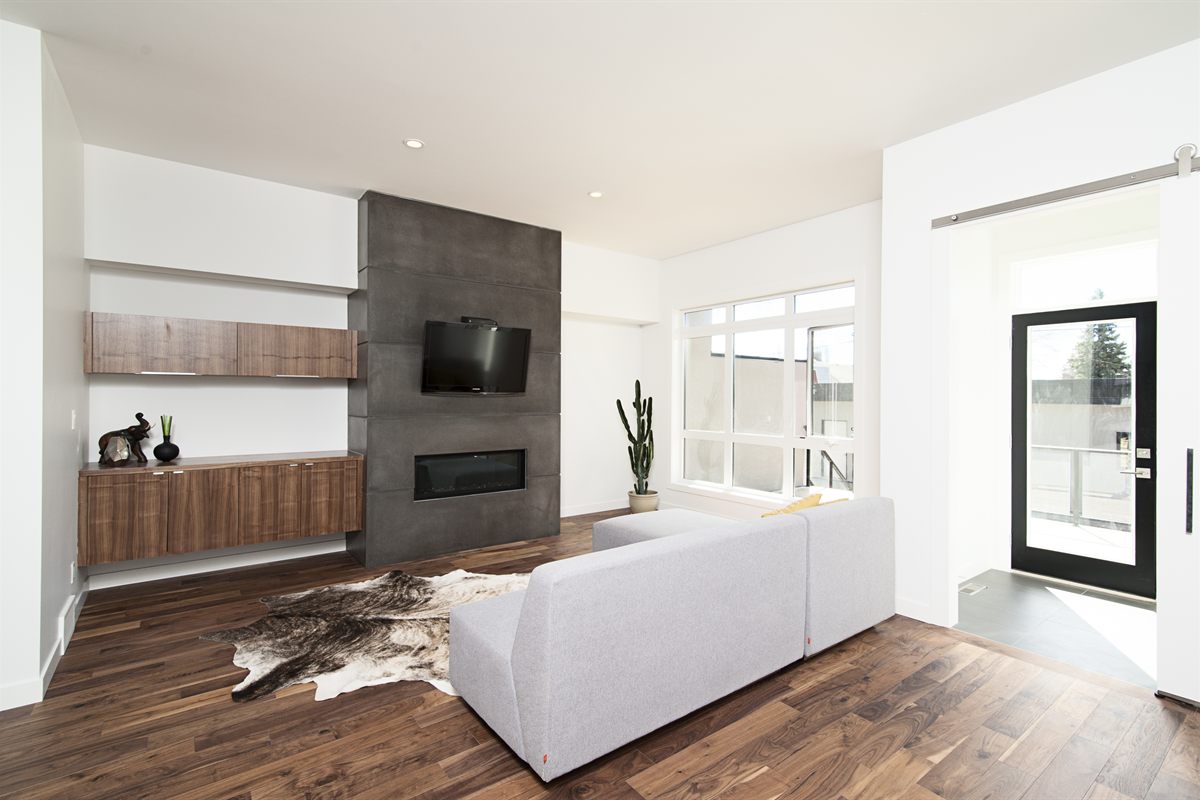
You need 360° photos or video, so a 360 camera or a phone app that stitches full panoramas. Showround takes equirectangular JPG and PNG photos, and MP4, WebM and MOV video.
Not at the moment, and there's no account to create.
Nowhere. The editor runs in your browser, so your files stay on your computer. When you export, you get a folder to upload to your own web host.
Yes. Keep the zip you exported, then use Import in the editor to open it again and carry on.
No. A finished tour is a web page, so it opens in a browser like any other page on your site.
The editor needs a laptop or desktop screen for now.
Make your first tour this afternoon.
Open the editor